Android
Android 7.0 and newer
Opens the Play Store.
Trips, earnings, vehicle checks and documents, in one place. Install it on the phone you drive with.
Point your phone's camera at the code. It opens the same listing the button below does, on the device the app actually belongs on.
Google Play
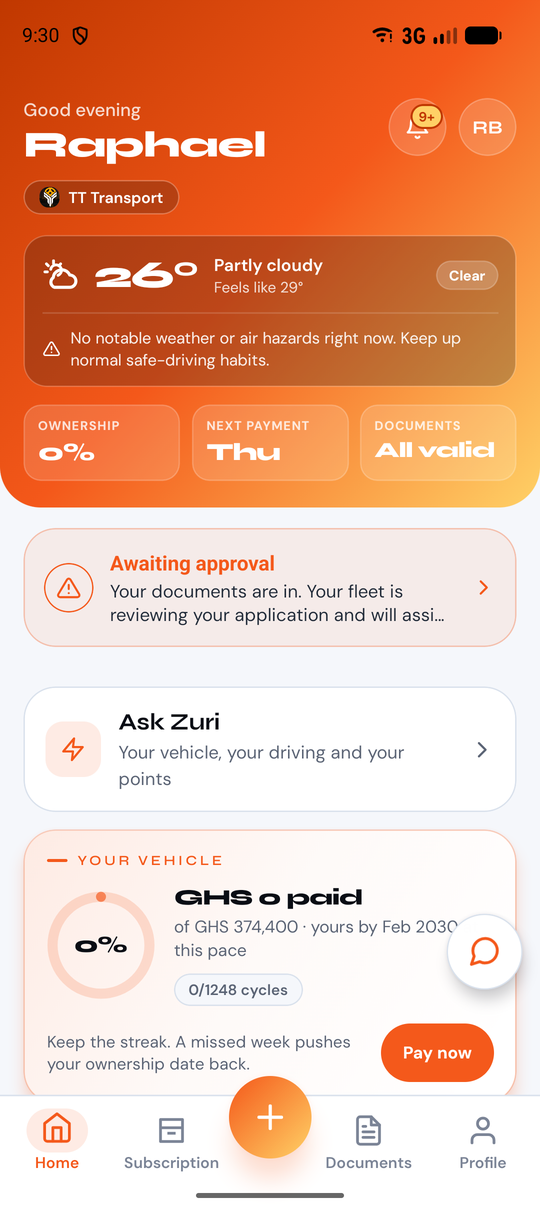
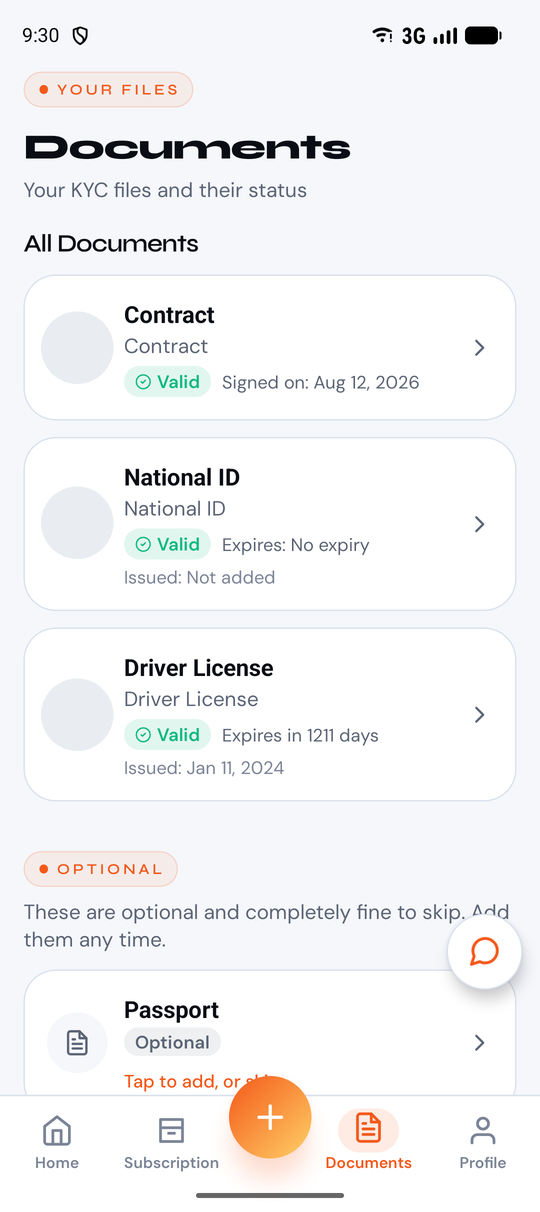
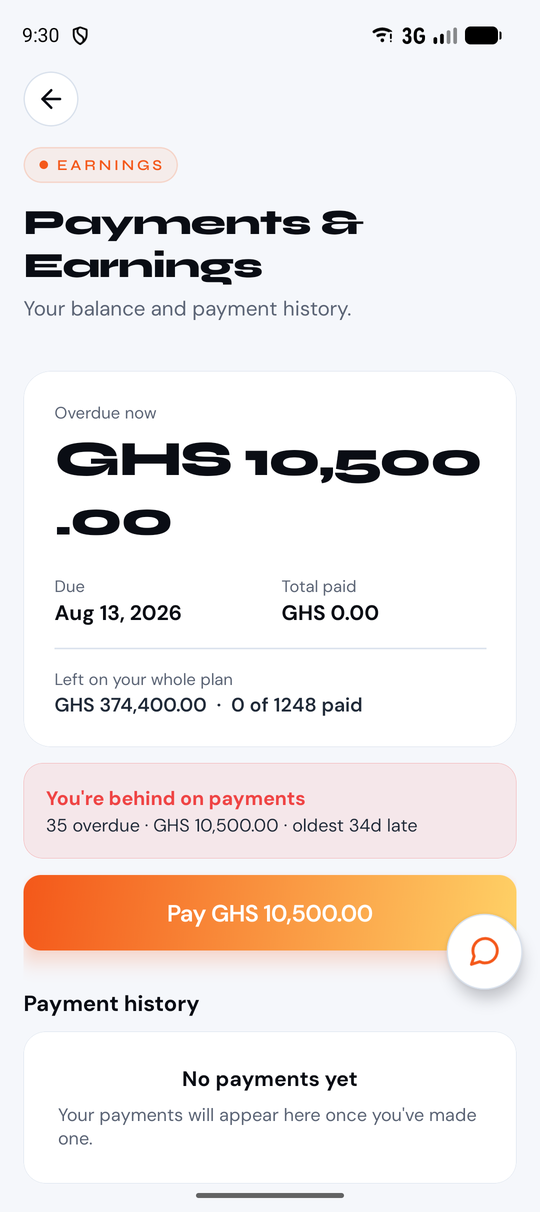
It opens on the day
The trip in front of the driver, not a menu to hunt through before the shift starts.
Checks and documents
Vehicle checks, licences and permits live on the phone that is already in the cab.
Earnings, without asking
What was earned and what was paid, visible to the driver without a call to the office.
Android 7.0 and newer
Opens the Play Store.
iOS 15.1 and newer
Installs through TestFlight while App Store review completes.
When the App Store version goes live, install it from there. Your account and data carry over.
GoGoo Driver is still in review at the App Store. What you install there today is the same build being reviewed, signed by the same certificate, so it is the real app and not a preview.
Stuck on the install? hello@gogoofleet.com or call +233 247 549 967.